
A to-do list keeps track of what needs to happen. time blocking gives selected tasks a place in your day. Use the list to capture commitments, then schedule the work that fits around your appointments and other responsibilities.
The connection between the two is the daily choice: which task deserves an opening, how much room should it get, and what moves if the day changes? The sample morning below shows how to make those decisions without putting your entire backlog on the calendar.
Time blocking vs. a to-do list: what changes?
| Question | To-do list | Time blocking |
|---|---|---|
| What does it hold? | Tasks, next actions, and commitments | Periods of time assigned to an activity or purpose |
| What is it good at? | Capturing work and keeping it visible | Making room for selected work alongside appointments |
| What can go wrong? | The list grows beyond the time available | The plan becomes too tight to absorb changes |
| What happens when plans change? | The task can remain on the list | The affected block needs to move, shrink, or be replaced |
A task can have both a deadline and a planned work block. A report due Thursday at 5:00 p.m. might be drafted Tuesday from 9:00 to 10:00 a.m. Moving Tuesday's work block does not move Thursday's deadline.
1. Keep one reliable place to capture tasks
Write new commitments in one task list instead of scattering them across messages, sticky notes, and memory. That list can contain more work than fits today. Its job is to preserve what needs attention, not promise that everything will be finished immediately.
Make entries specific enough to act on. “Website” could mean Pomodoro for writing a page, debugging a form, or reviewing a design. “Test the checkout form with three sample orders” identifies a starting point and a result. For a task that still feels too big, break it into smaller actions before scheduling it.
2. Choose today's work before assigning blocks
Check deadlines, dependencies, meetings, and the consequences of delay. Pick a small set of meaningful outcomes. The exact number depends on their size and the day you have: one difficult outcome can require more work than several small administrative tasks.
Do not assign artificial deadlines just to make a task feel urgent. Keep a genuine due date as a commitment and a planned work day as a scheduling choice. This makes it easier to reschedule without losing track of what is actually due.
3. Put the selected work into available time
Start with meetings, classes, appointments, and other fixed commitments. Add blocks for your selected tasks, transitions, breaks, and the reactive work your role requires. If your job involves responding to customers, the plan needs room for customers.
Cal Newport's explanation of time blocking describes assigning work to periods of the day and updating the remaining schedule when circumstances change. A revised plan is part of the method, rather than evidence that planning failed.
Example: a realistic morning work plan
Suppose your list includes drafting a proposal, replying to clients, reviewing a document, and booking a service appointment. You also have a meeting at 10:30 a.m. This example leaves room for communication and unfinished work.
| Time | Block | Intended result |
|---|---|---|
| 9:00–9:10 a.m. | Daily check | Confirm priorities and any changed deadlines |
| 9:10–10:00 a.m. | Proposal work | Draft the problem statement and recommended approach |
| 10:00–10:15 a.m. | Break | Step away from the work |
| 10:15–10:30 a.m. | Meeting preparation | Review the agenda and write two questions |
| 10:30–11:00 a.m. | Meeting | Confirm decisions and next steps |
| 11:00–11:30 a.m. | Client communication | Answer messages that need a response this morning |
| 11:30 a.m.–noon | Flexible time | Absorb a late meeting or continue the proposal |
The review and service appointment still exist on the list. You have not forgotten them or pretended they fit into the same morning. Decide later whether they belong in the afternoon or on another day.
4. Use a focus timer inside a block
Time blocking reserves space; a best Pomodoro timer helps structure the work inside that space. A 50-minute proposal block could contain 25 minutes of drafting, a five-minute break, and 20 minutes of continuation. The meeting at 10:30 stays fixed regardless of how many sessions you complete.
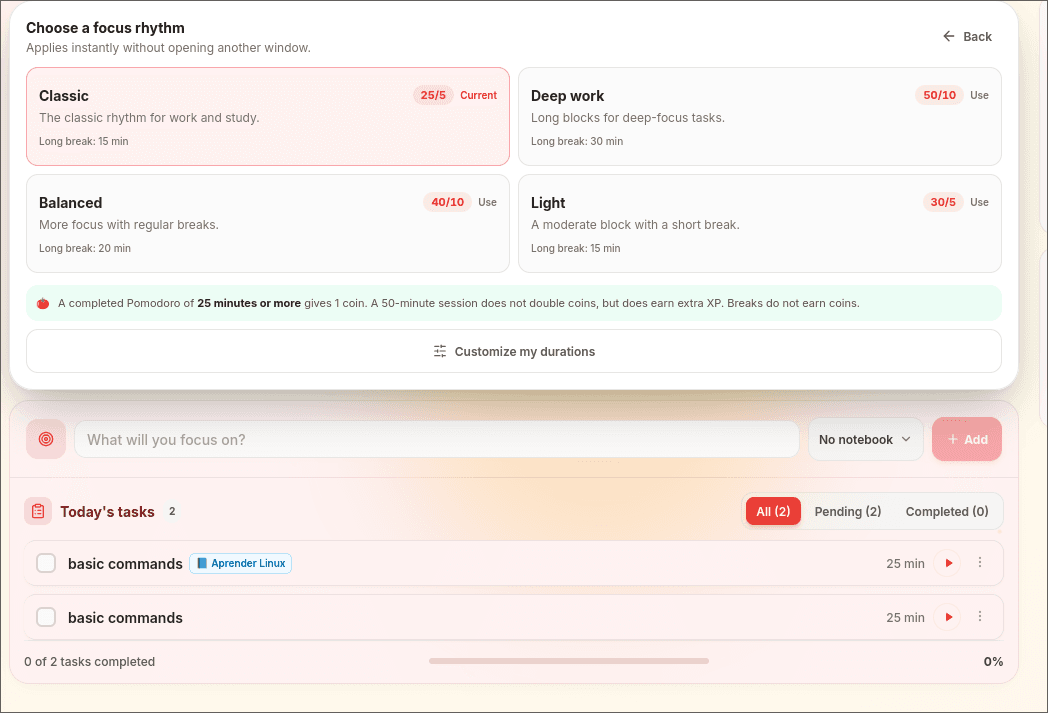
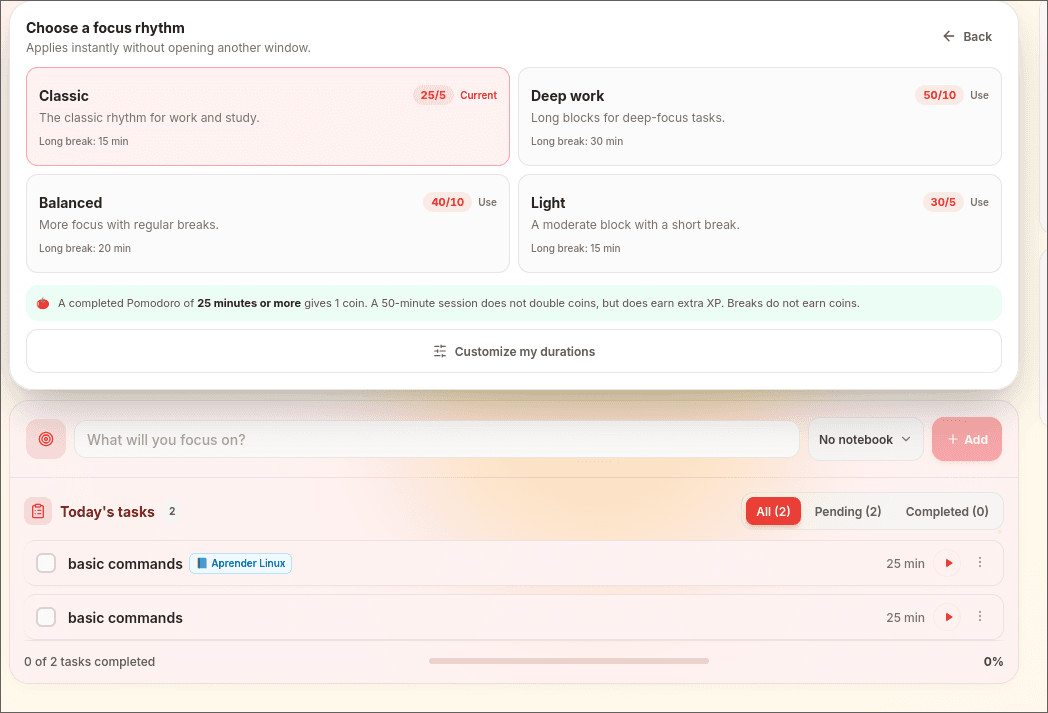
Start with a 25-minute focus session if that fits the task. Use shorter or longer sessions when appropriate. In Pomodomate, choose the activity before starting so the timer supports the work you intended to do.
5. Update the remaining day after an interruption
If an urgent client issue uses the proposal block, record where the proposal stopped. Then look at the remaining day and decide what to move. Do not stack the missed work on top of already full blocks.
A task stays incomplete until its actual result is finished. A block can end while the task still needs work. Keeping those two facts separate helps you estimate the next session instead of checking a task off just because its scheduled time expired.
Worked example: a client issue takes your writing time
In the sample morning, the proposal block runs from 9:10 to 10:00 a.m. An urgent client issue arrives at 9:35 and takes the remaining 25 minutes. Write down where the proposal stopped before switching, even if the note is only “next: explain the recommended approach.”
When the issue is resolved, the next fixed commitment is still the 10:30 meeting. The plan already includes a break and preparation time, so look at the 11:30 a.m.–noon flexible block for the unfinished proposal. You can use 25 minutes there and leave five minutes to record the next step.
If that flexible block has also disappeared, choose a later opening or renegotiate the scope of today's proposal work. Keep the report's real deadline visible while you make that choice.
- Move the block when a genuine opening remains.
- Reduce the planned output when only part of the work fits.
- Raise a timing conflict when the remaining work cannot meet the commitment.
If a task begins in a team discussion, use the meeting-notes follow-up workflow to confirm the action and its owner before choosing a work block.
Frequently asked questions
Is time blocking better than a to-do list?
It solves a different problem. A list keeps track of commitments; a block gives selected work a place in your schedule. Combine them when remembering tasks and making time for them are both difficult.
Should I put every small task on my calendar?
Not necessarily. A block called “administration” can hold several small tasks from your list. Keep individual appointments separate when they have a fixed time or another person depends on them.
What if my workday is unpredictable?
Reserve room for reactive work and choose one or two openings you can protect when circumstances allow. After an interruption, revise the remaining day from the current time. Keep real deadlines visible and decide which work moves; do not layer every missed block on top of the next one.