A small coding-project plan should explain what the first useful version will do, how you will check it, and which part to build next. Start with one complete user action, such as saving and reopening an entry, and break the remaining work into testable tasks.
We will use a personal reading log as an example. The process works for a class assignment, a portfolio piece, or a side project with the tools you already know. You will define the first version, investigate unknowns, and leave each coding session with a clear handoff.
1. Describe a result someone can use
“Build a reading app” leaves many decisions open. A narrower outcome is “I can enter a book title, save a short note, and find that entry again after reopening the app.” That description gives you a way to decide whether the first version works.
Write down who will use it and in what setting. A tool for your own laptop can have different requirements from a service that stores information for other people. If a course or client supplied requirements, keep those requirements visible instead of replacing them with a personal wish list.
For the example reading log, the first version could contain an entry form, a saved list, and a way to view a note. Recommendations, social profiles, themes, and a public launch can remain separate decisions. Removing those ideas from the first version does not mean you can never build them.
2. Write a small definition of done
Describe observable behavior rather than only implementation details. “The entry is saved” is clearer when you add the check: “After I reopen the app, the title and note are still present.” Also consider empty input, an empty list, and a failed save.
- I can create an entry with a title and an optional note.
- The app explains when the required title is missing.
- I can reopen an existing entry.
- I can tell whether a save succeeded or needs a retry.
- The saved example survives reopening the app.
These are illustrative acceptance checks, not a complete release checklist for every application. Requirements such as account security, accessibility, and data handling depend on the product you are actually building.
3. Turn the first version into a short task list
| Task | Visible result | How to check it |
|---|---|---|
| Sketch the entry flow state | A form and a list with sample text | Walk through creating and reopening an entry |
| Build the form | Title and note fields with a submit action | Try a normal entry and an empty title |
| Save one entry | A record reaches the chosen storage | Reopen the app and retrieve the saved record |
| Display saved entries | A list and an empty state | Check the list with no records and several records |
| Handle a failed save | A clear error and a preserved draft | Simulate the failure without losing entered text |
| Review the first version | A working path through the core behavior | Run the acceptance checks and note remaining issues |
Some tasks will need to be split further once you investigate the code. A task does not become small merely because its title is short. “Add accounts” can involve many decisions, while “show an empty state when the saved list has no entries” is a more bounded action.
For more on Pomodoro for writing a task that has a clear starting point, see how to break down a large assignment or project.
4. Give technical unknowns their own investigation
If you have never used the storage approach you chose, identify that uncertainty explicitly. Write an investigation task such as “save and reload one sample record in a throwaway example.” Its output is an answer or a small experiment, not a finished production feature.
Set a review point for the investigation. At that point, record what you learned, what remains uncertain, and whether the current choice still makes sense. Avoid turning an unfamiliar tool into an open-ended prerequisite to starting any visible work.
Use the official documentation for the actual version of your tools. Keep any useful reference beside the task it supports. This guide's reading-log example does not depend on a particular library, so its planning steps can remain separate from those technical details.
5. Start a coding session with one concrete outcome
Before you start the timer, choose the task and define the result for this session. “Display the saved titles in the list, including the empty state” is more actionable than “work on my app.” Open the relevant files and the check you intend to run.
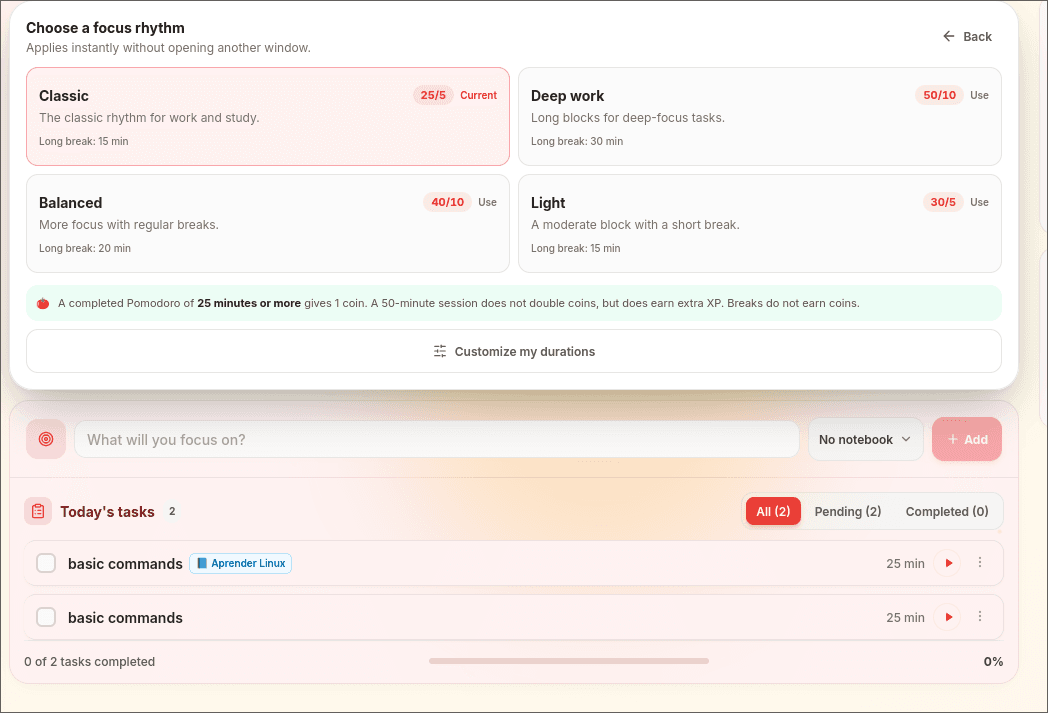
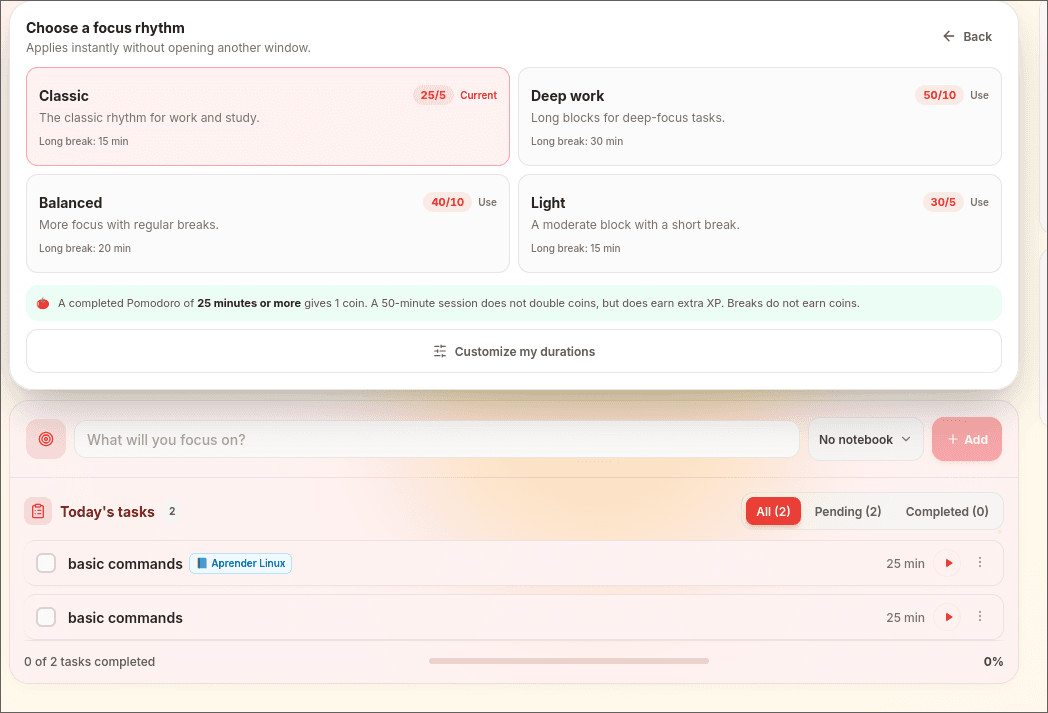
Use Pomodomate's timer if a timed session helps you begin. Keep the plan and restart notes in a notebook or your existing project notes. A session ending is a prompt to review progress, not an instruction to label unfinished code as done.
Finish with a short handoff to your future self: what changed, what you checked, and what the next action is. For example: “Titles render from saved records; the empty-list check passes; next, preserve the form text when saving fails.”
Walk through the first version as a user
For the reading-log example, try one complete path before adding more options: open the app, create an entry called “Book for Saturday,” save a short note, close the app, and reopen that entry. Check that the saved title and note are the ones you entered.
Then try an empty title and a failed save. These attempts answer different questions: can the main action succeed, can the user understand missing input, and can they recover when an operation fails?
Use the results to separate essential fixes from new ideas:
- The entry disappears after reopening: the first version's core behavior is unfinished.
- A failed save erases the draft: add a recovery task with a specific completion check.
- You would like cover images: keep the idea in the next-version list unless it is part of the agreed requirements.
If a technical question blocks the path, give an investigation a checkpoint. For example, after 20 minutes, record whether you can save and reload one sample record, what failed, and the next thing to test. The checkpoint helps you make a decision; it is not a promise that an unfamiliar problem will be solved in that time.
6. Review the scope before adding more features
Once the first useful path works, try it as a user. Note friction you actually encounter and compare it with the original outcome. A clear save confirmation might matter more than adding several decorative options.
Choose the next improvement deliberately. Keep new ideas in a separate list so that noticing an idea does not automatically make it part of today's task. The combined task-list and time-blocking workflow can help you choose when to work on it.
Frequently asked questions
How detailed should a small project plan be?
Detailed enough to explain the first useful version, the next action, and how you will check it. You do not need to settle every future feature before starting. Expand the plan when an uncertainty affects a real decision.
Should I choose a framework before planning features?
You need enough technical direction to begin, but you can usually describe the core user outcome before selecting every tool. Follow any requirements from your course or client and investigate choices that block the first useful version.
What should I do when a task takes several sessions?
List what now works, what you checked, and what remains. Split the remainder if it still combines several results. For example, separate saving a record from showing a failed-save message. Update the estimate using the work already done and leave one clear starting point for the next session.