

This gallery includes free PomoDomate and Domate wallpapers for your PC, computer, phone, tablet, or study desk. Choose focus backgrounds for studying, working, reading, coding, nighttime routines, nature, and a calmer productivity space.
Domate wallpapers for studying and working
A wallpaper does not replace planning or a best Pomodoro timer, but it can become a visual cue. Each time you turn on your computer or check your phone, an image associated with focus can remind you to move forward, take taking breaks, and return to your goals.
This collection includes bright daytime backgrounds, nighttime focus scenes, nature landscapes, and desk compositions. Choose the image that fits your environment and use it as a desktop wallpaper, tablet background, or inspiration for your study area.
To build a complete focus environment, learn how to use the PomoDomate Pomodoro timer or explore PomoDomate themes and timer backgrounds.
Download free PomoDomate wallpapers
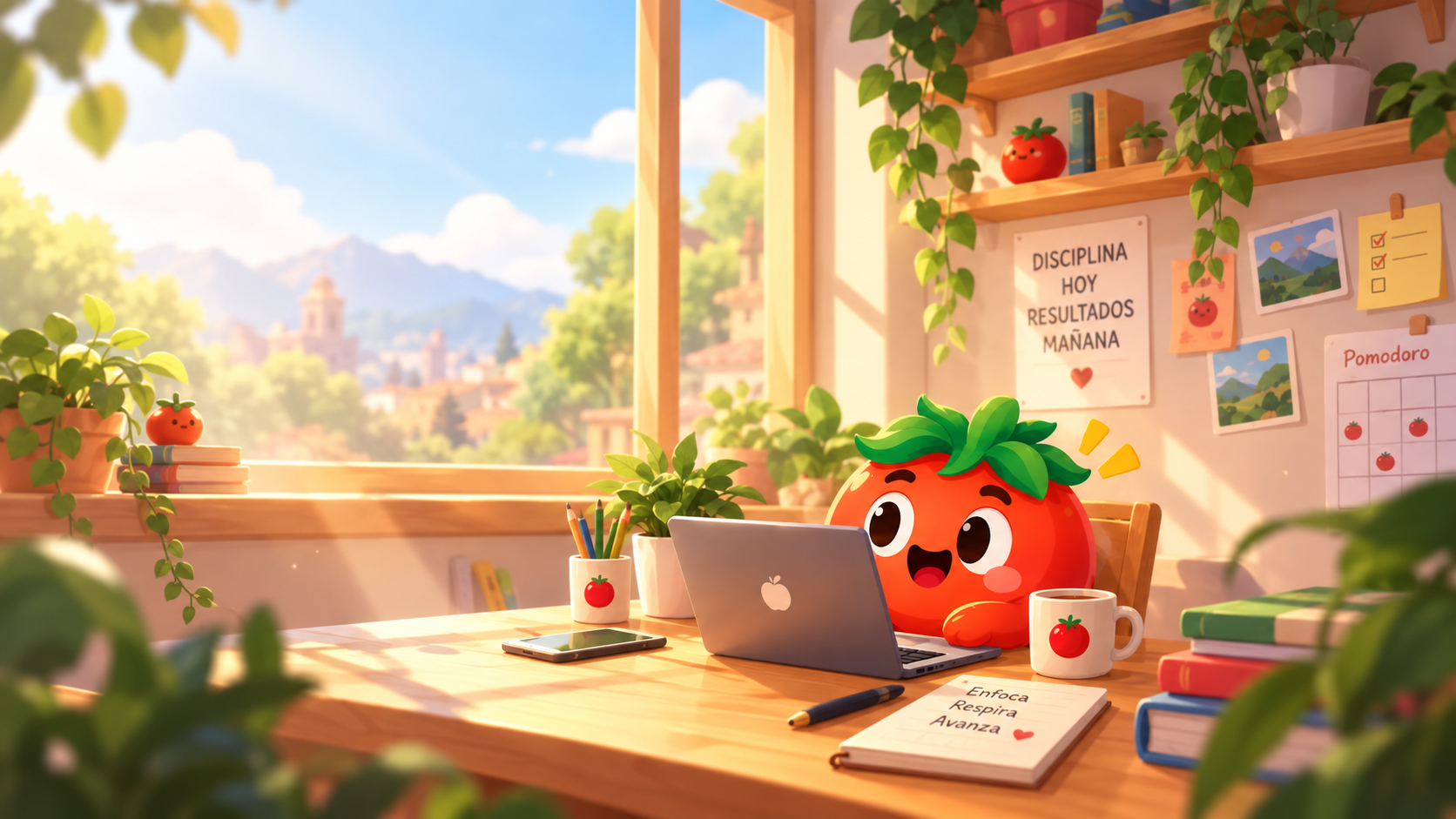
Daytime Domate study wallpaper
A bright scene with Domate, a laptop, plants, books, and natural light. It works well for light desktops and daytime study spaces.
Download the Domate study wallpaper
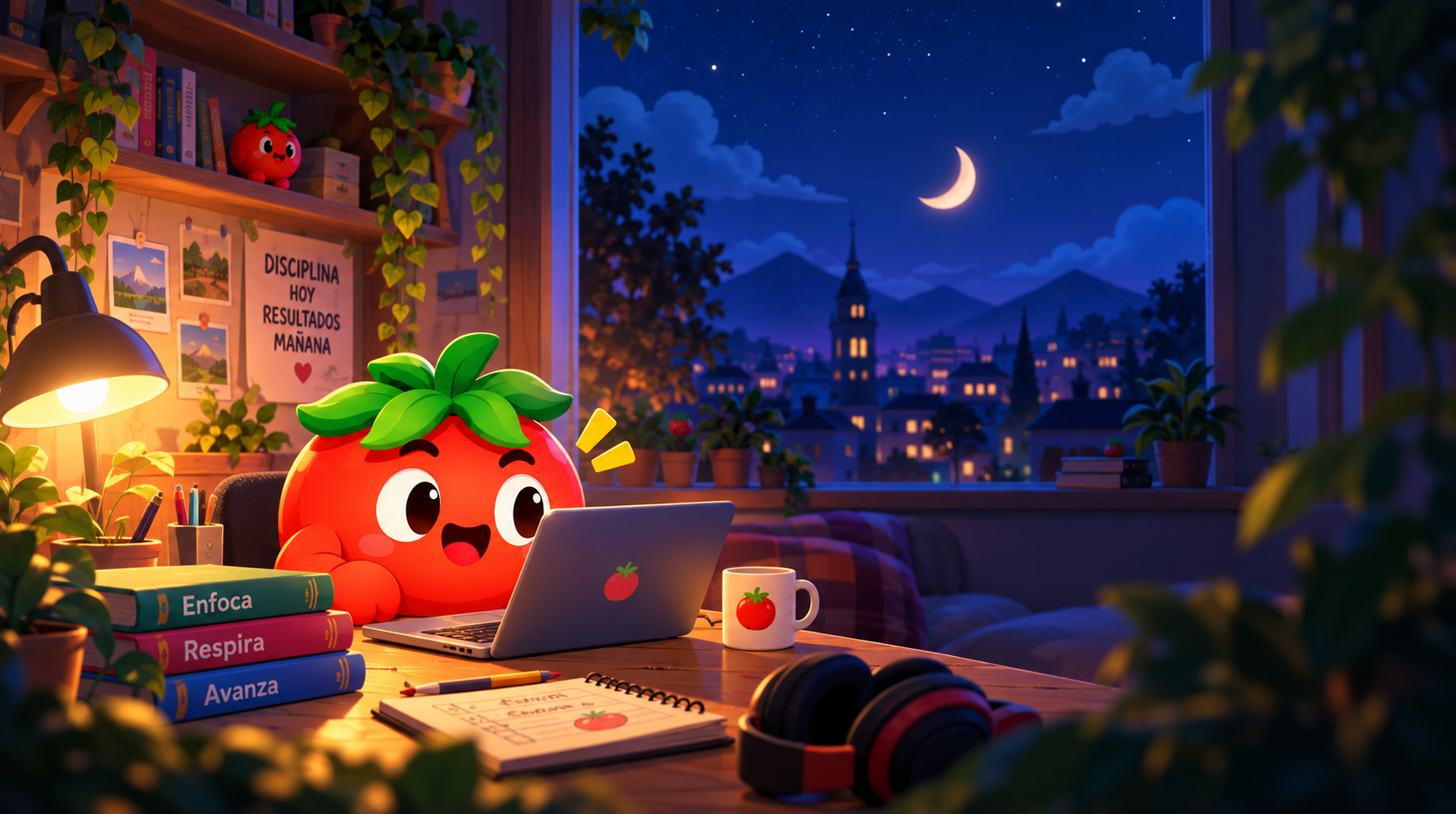
Nighttime Domate focus wallpaper
A blue night scene with a window, mountains, stars, books, and headphones. It is a good match for dark-mode desktops and evening focus sessions.
Download the nighttime Domate wallpaper
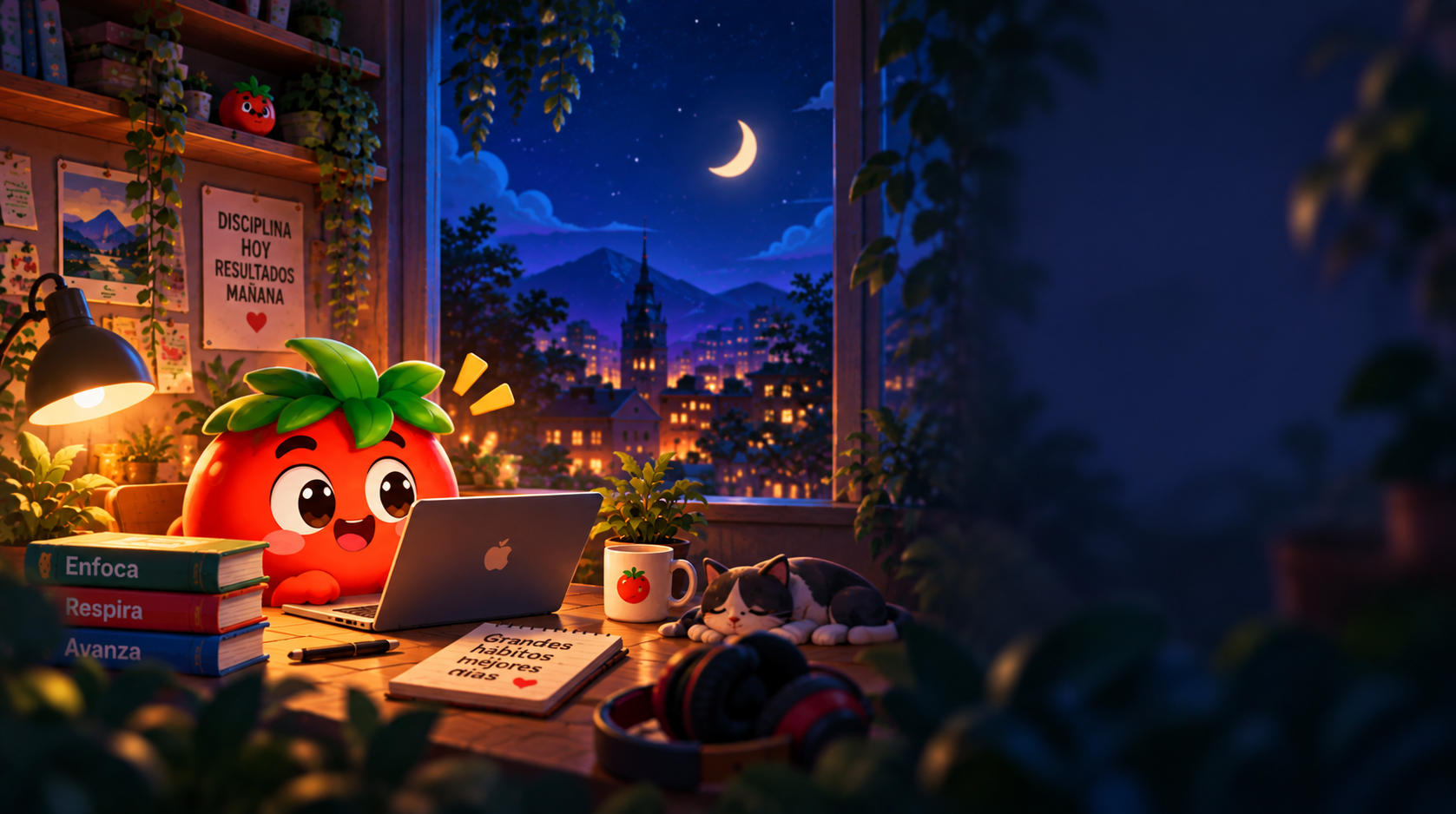
Domate wallpaper with a cat
A warm nighttime workspace with Domate, a resting cat, books, and a desk lamp. Choose this image if you prefer a calm and cozy productivity atmosphere.
Download the Domate cat wallpaper
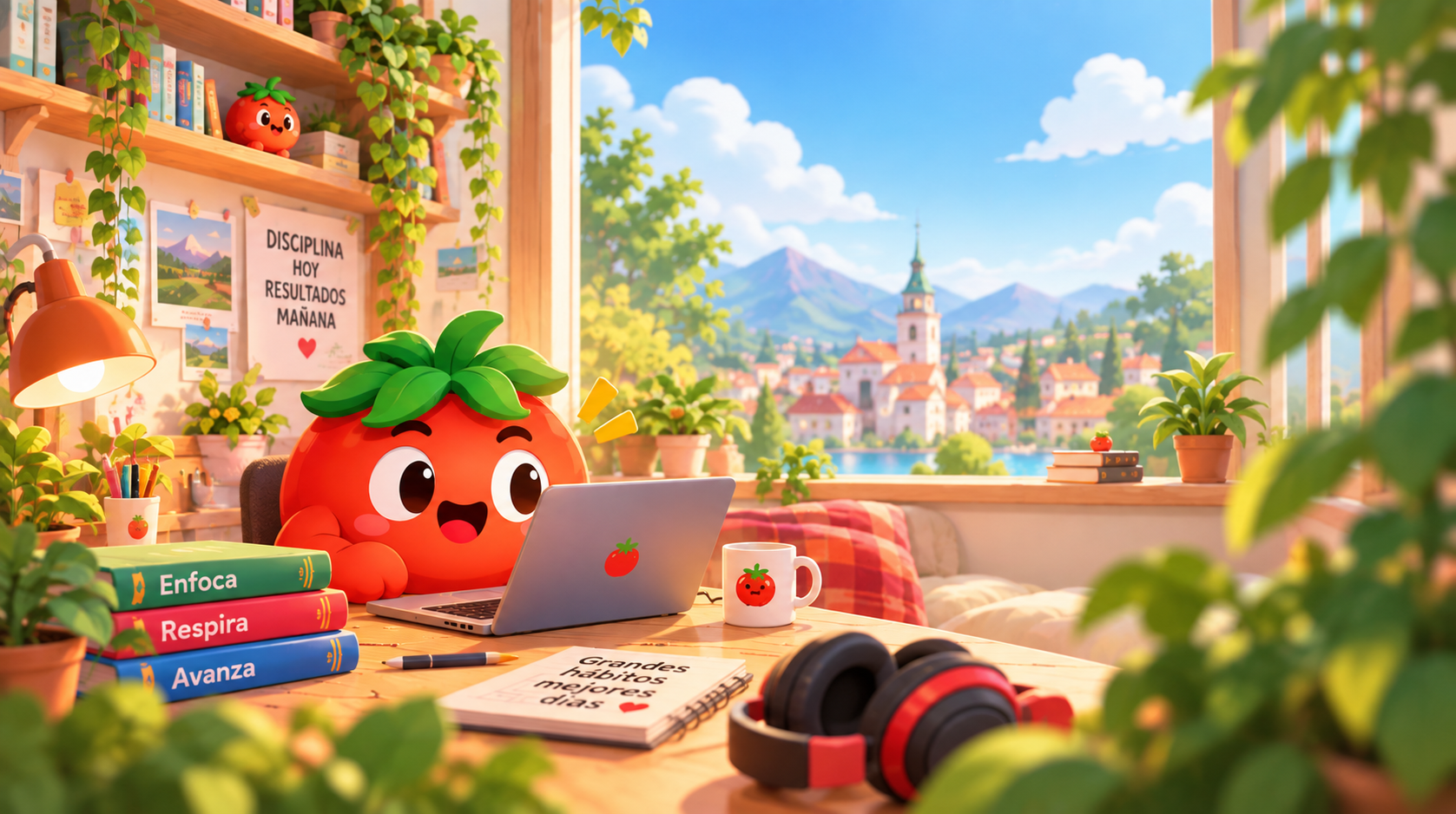
Domate daytime lake wallpaper
Domate works in front of a bright landscape with mountains, water, and a distant town. The panoramic composition works especially well as a computer wallpaper.
Download the Domate lake wallpaper
Domate sunset wallpaper
A warm sunset scene with Domate looking over a lake. Use it for an evening desktop, a reflection break, or the end of a focused workday.
Download the Domate sunset wallpaper

Alternative Domate sunset wallpaper
This second sunset composition gives you another option depending on your screen size, desktop icons, and preferred crop.
Download the alternative Domate wallpaper

How to use these wallpapers
- Download the image you prefer.
- Save it to your computer, phone, or tablet.
- Open your wallpaper settings.
- Choose fill, fit, or center depending on your screen.
- Pair the image with a Pomodoro technique session and a clear task.
What wallpaper size works best?
These images are panoramic and work especially well on monitors, laptops, and horizontal screens. For a phone or tablet, crop the image and keep Domate and the landscape visible. If you place icons over the image, choose a less detailed area to improve readability.
Frequently asked questions about PomoDomate wallpapers
Can I download the Domate backgrounds for free?
Yes. You can open and download the wallpapers on this page for personal use as a desktop, phone, or tablet background.
Which wallpaper is best for studying?
It depends on your environment. The daytime scene fits natural light, while the nighttime scenes pair well with a dark desk and evening focus sessions.
Can I use these wallpapers on my phone?
Yes. Because the images are panoramic, you may need to crop or reposition them so Domate and the landscape remain visible on a vertical screen.
Conclusion
These PomoDomate and Domate wallpapers are designed to support your study, work, and rest spaces. Download your favorite free background, personalize your desktop, and use the image as a small cue to focus, breathe, and keep moving.

